
Every transaction, organized
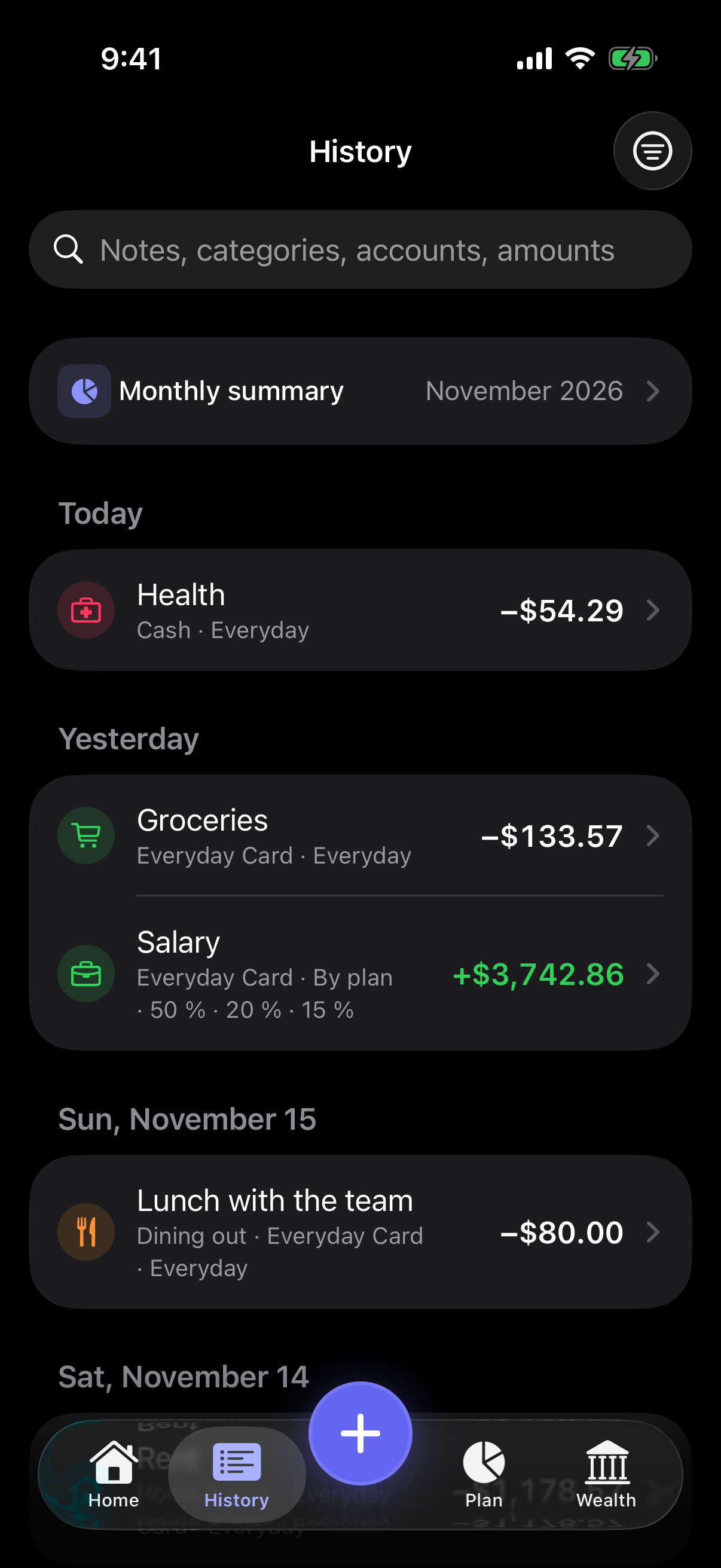
Search notes, categories, accounts and amounts, and filter your whole history. Recurring payments wait for your review before they are recorded.
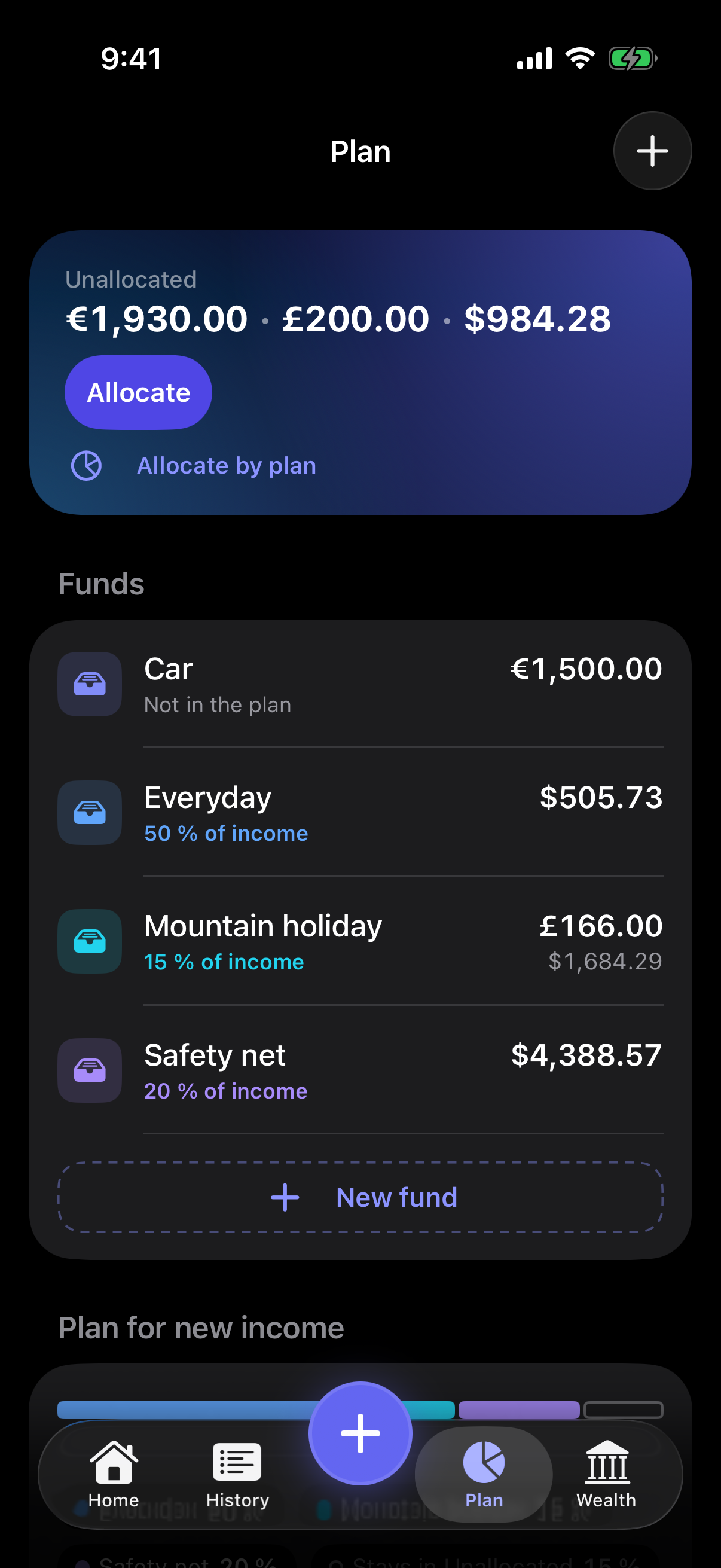
Create funds for what matters, such as everyday spending, a safety net or a holiday. Set an income plan, and new income is split by it. Whatever is still unallocated stays in view.
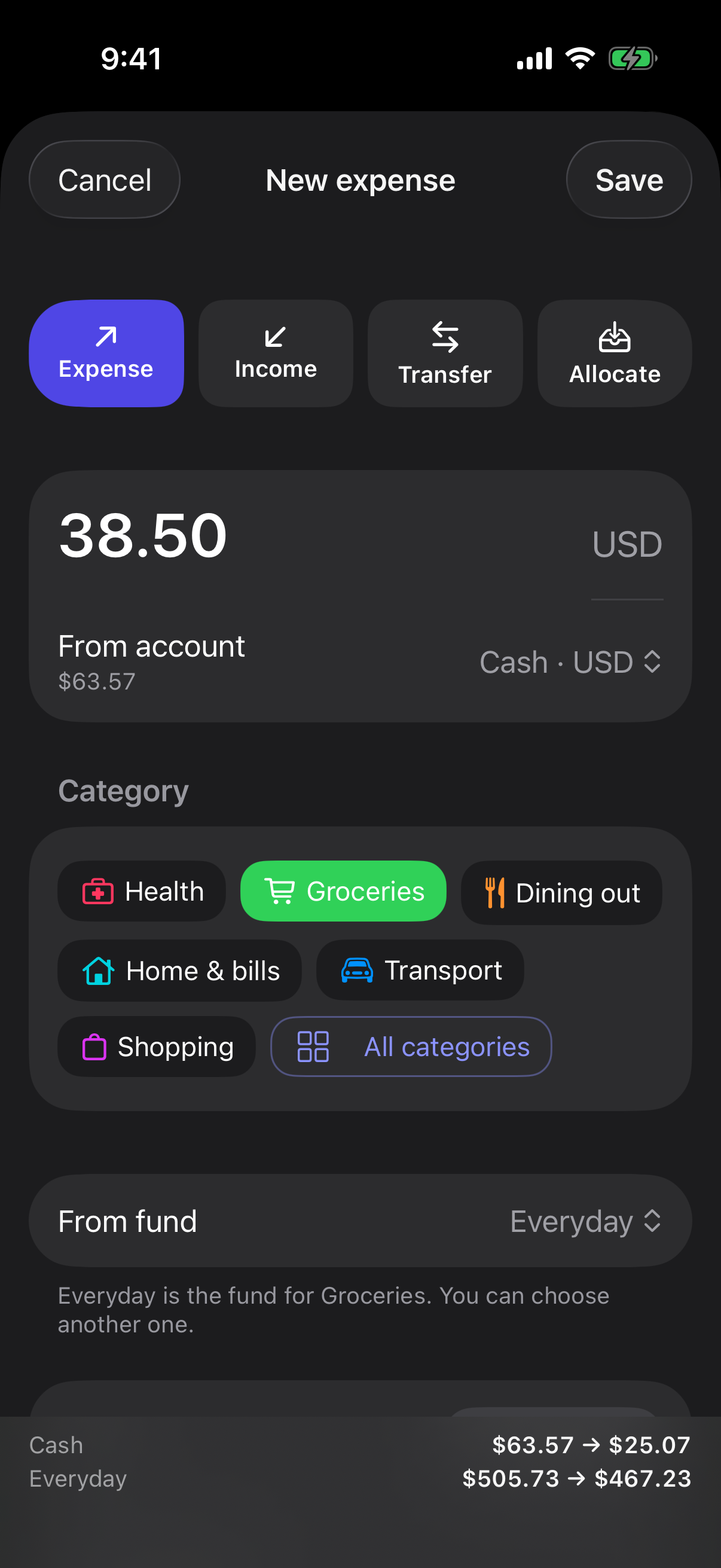
Add expenses, income, transfers and currency exchanges with one button. Each category leads to its fund, so spending comes out of the right place.
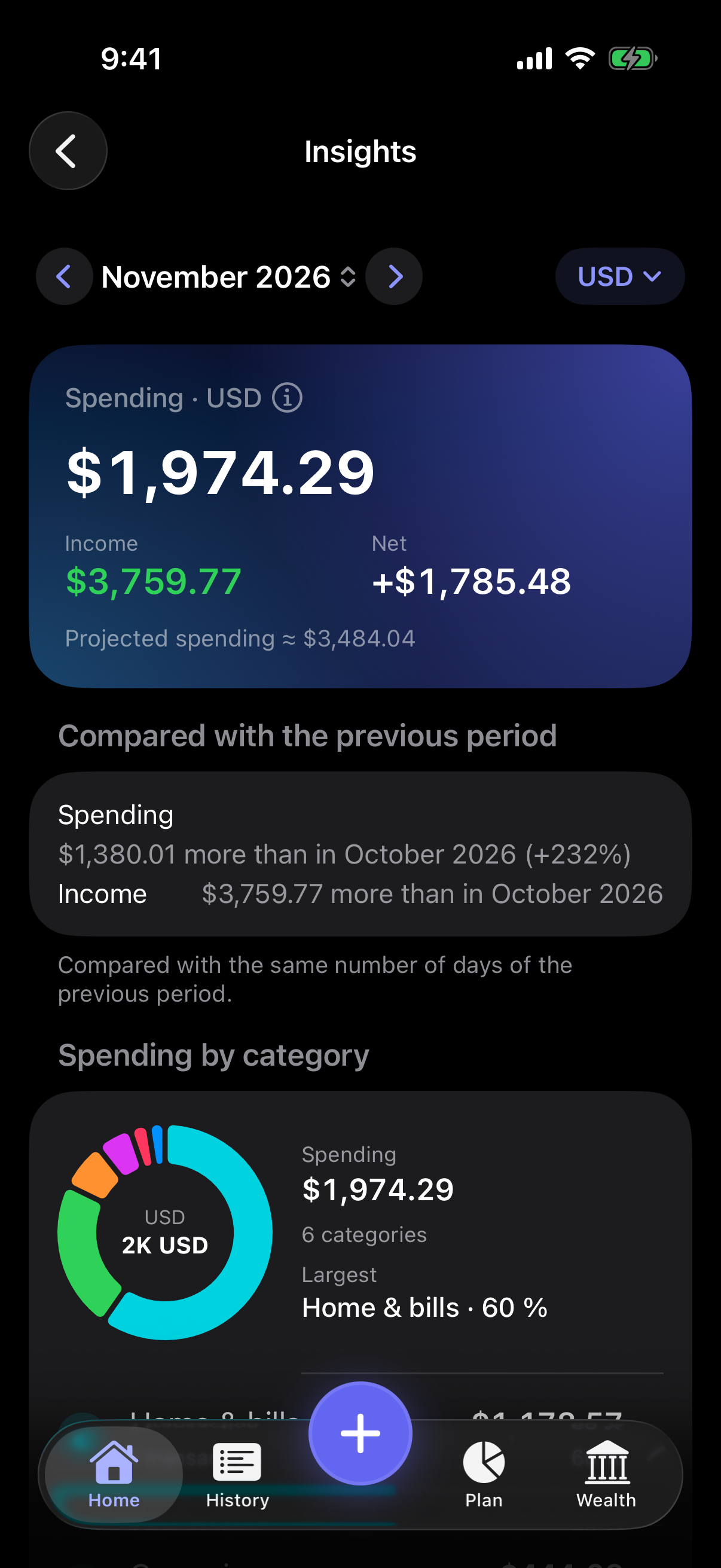
Spending and income by category, compared with the previous period. Set spending limits and get a notification as you approach them.
Search notes, categories, accounts and amounts, and filter your whole history. Recurring payments wait for your review before they are recorded.
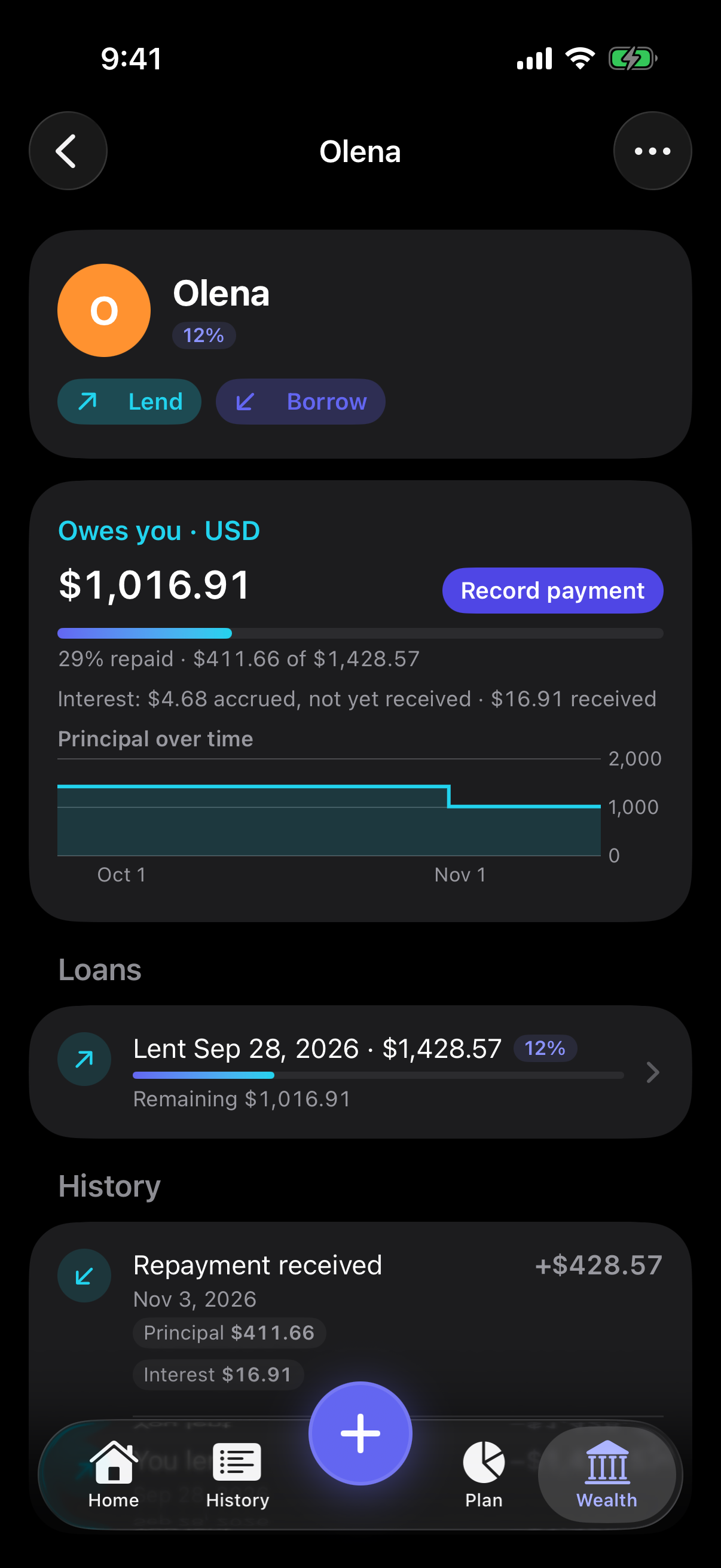
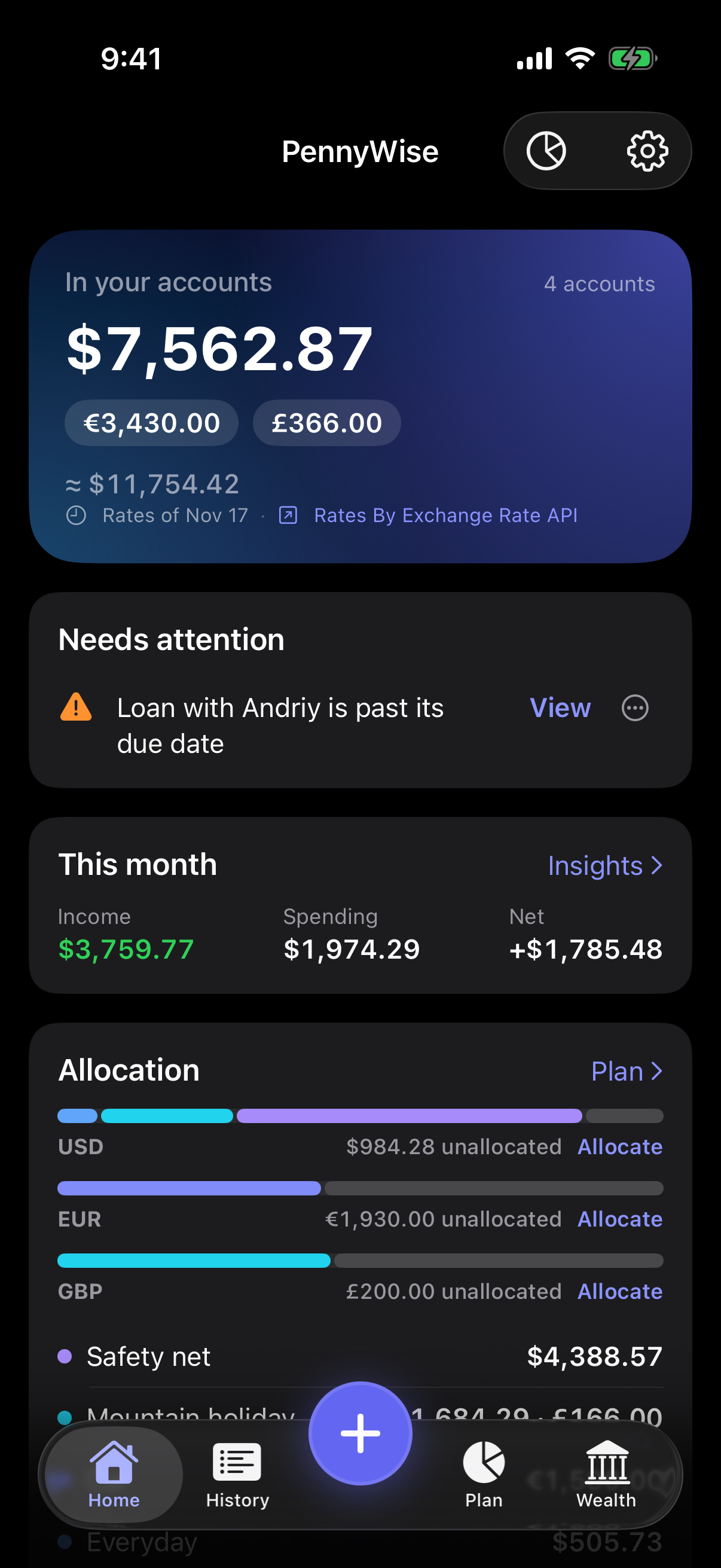
Keep track of money you have lent and borrowed, with or without interest. Record repayments, overpayments and write offs, and see overdue loans on your Home screen.
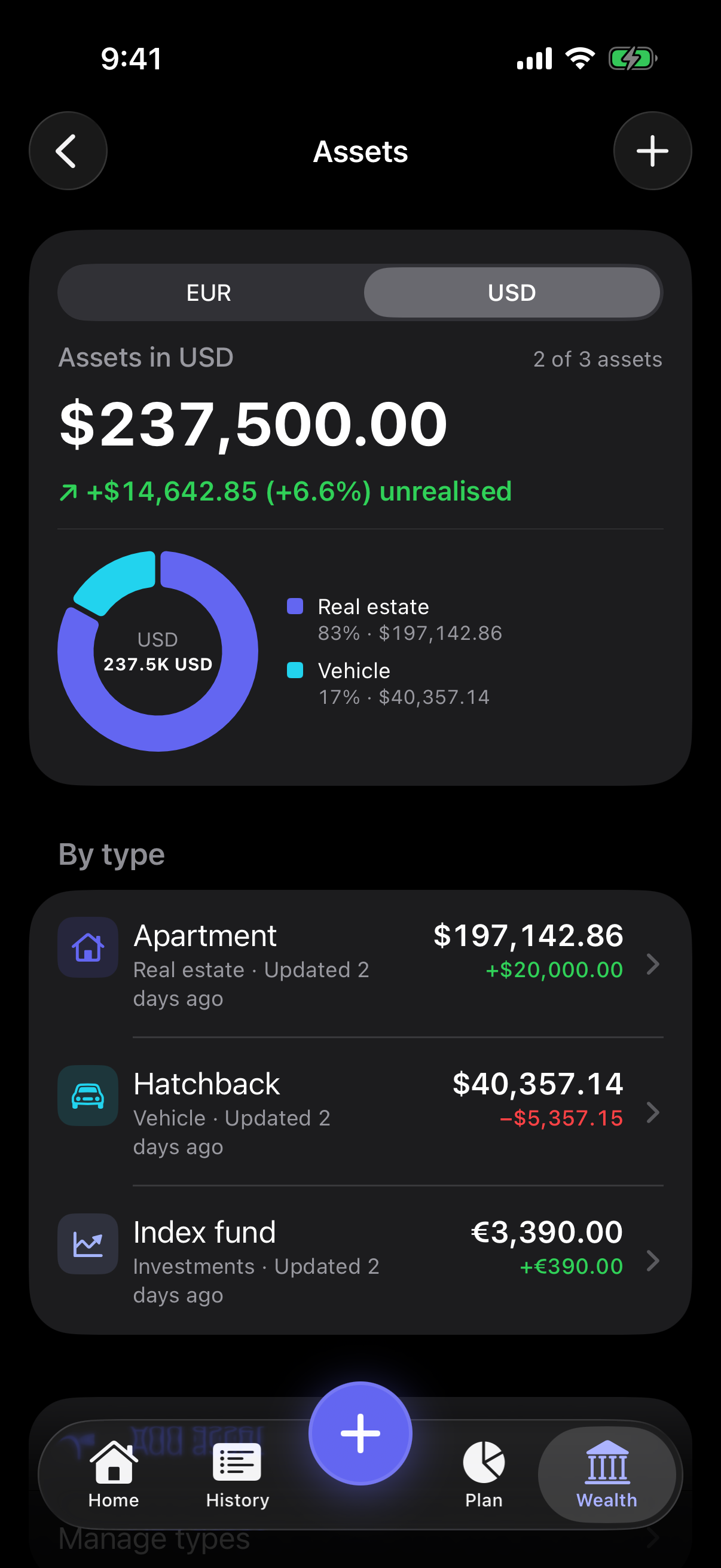
Track property, vehicles, investments and more. Record purchases, value updates and sales, and see what each one has gained or lost.
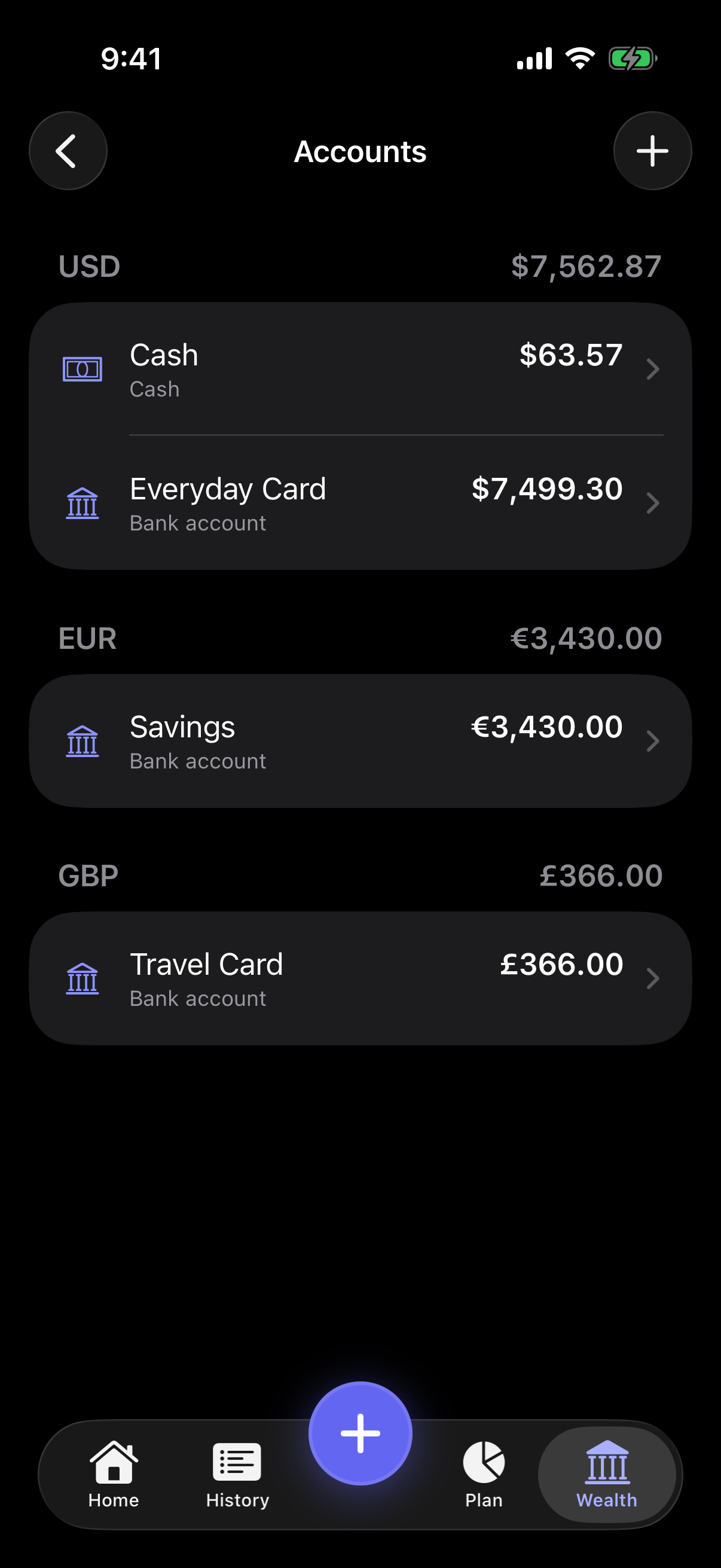
Hold accounts in UAH, USD, EUR, GBP and PLN. Every balance stays in its own currency. Totals in your base currency are clearly labeled as estimates, from daily public exchange rates.
There is no account to create and no bank login. Your financial records are stored on your iPhone, not on a server.
Yes. PennyWise is free, with no purchases inside the app.
No. You record transactions yourself, so there is no bank login and nothing to sign up for.
UAH, USD, EUR, GBP and PLN. You can hold accounts in any of these five, and each balance stays in its own currency.
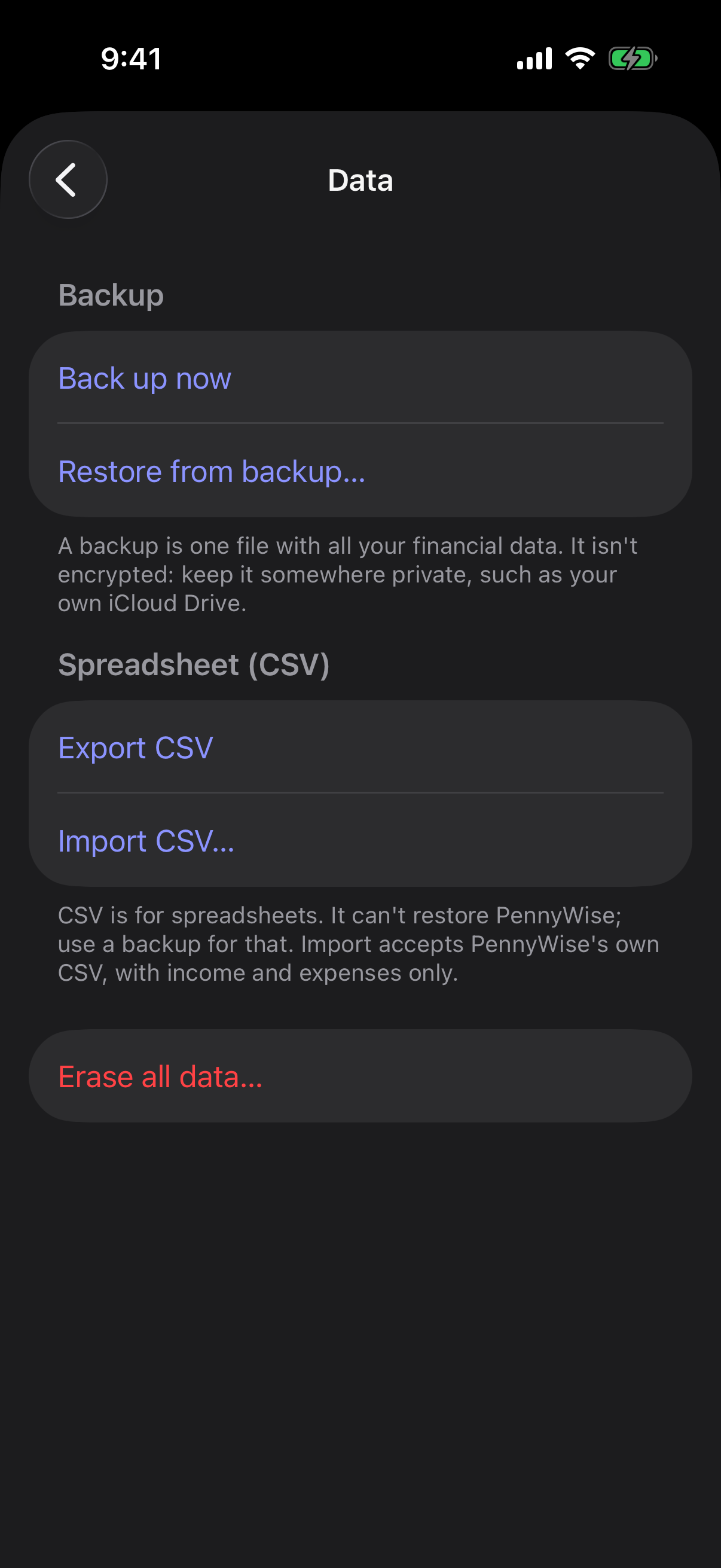
Make a backup in Settings › Data and save it to iCloud Drive or Files. On the new iPhone, install PennyWise and choose Restore from backup.
No. PennyWise is an iPhone app and needs iOS 18 or later.
PennyWise is made by Roman Salo.